

Ordering
No app download. Just open and order.
The shortest path between a hungry guest and a placed order is the app already open on their phone.
Your menu, your brand, your prices
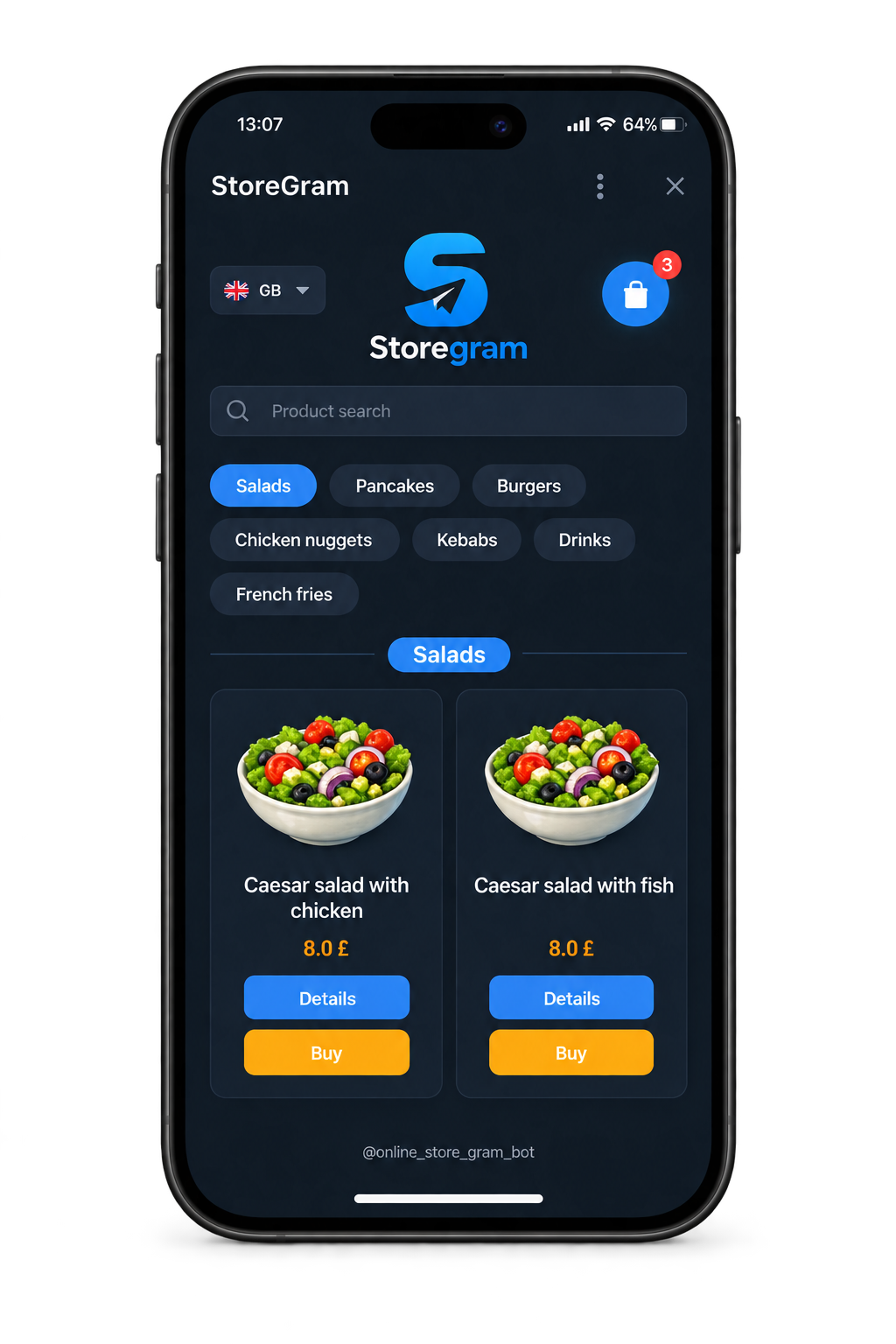
Categories, product cards, photos and a search box — laid out the way a guest expects and coloured the way your restaurant looks. The storefront is yours, not a listing on someone else's page.
- Categories and search. A guest finds the dish without scrolling past your competitors.
- Photos and descriptions. Written by you, in every language you sell in.
- Your logo and look. Set your logo, name and storefront theme in the manager panel, with no developer involved.
- Multilingual. Guests see the storefront in the language their phone is set to.
Storefront
From tap to kitchen
Four steps, none of them a phone call.
Cart and checkout
Online payments are confirmed before the order is created
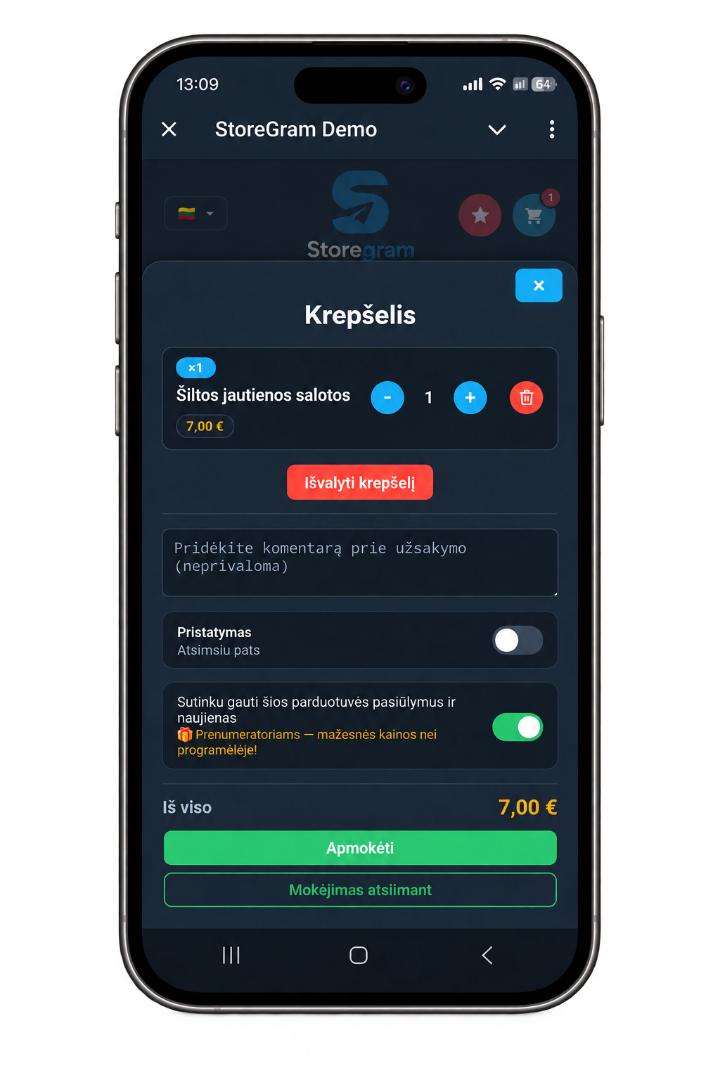
For online payments, Storegram creates the order only after the payment provider confirms the payment — even if the guest closes the payment window before returning to the storefront. Restaurants can also enable payment on collection.
- Online payment. Stripe or SumUp Hosted Checkout, connected as your restaurant's own account. One provider is active at a time.
- Payment on collection. Take the money at the counter or at the door instead, or offer both.
- An order comment. Guests can add a note without calling you.
Pickup or delivery
Let guests choose how they collect.
For delivery, Storegram collects the address and phone number and applies your delivery fee, with an optional order value above which delivery is free.
What you set
Whether delivery is offered at all, what it costs, and the threshold above which you stop charging for it. Pickup needs no setup.
What we don't do
No delivery zones, no maps, no route planning and no live courier tracking. Storegram does not provide couriers — your own driver delivers, and marks the payment received if the guest pays at the door.
Honest scope
What this suits today.
Storegram works best today for straightforward takeaway menus: wok and bowls, sushi sets, coffee to go, bakeries and similar fast-moving menus.
Per-item options — sizes, extras and sauces — are supported. A group of options is reused across dishes, so a sauce price is edited once; it can require a choice, cap how many are allowed, and include a number of them in the price. Options are picked per portion, so two portions come with two included sauces.

Storegram Early Access
Ready to build your direct channel?
60 days. Real customers. Real orders.